

Docbooks automates your Accounting. Your team wins back time.
Docbooks automatically posts your receipts according to the chart of accounts, VAT rules, and client specifications. Fast, reliable, and directly connected to your Accounting software.
From source document to finished booking
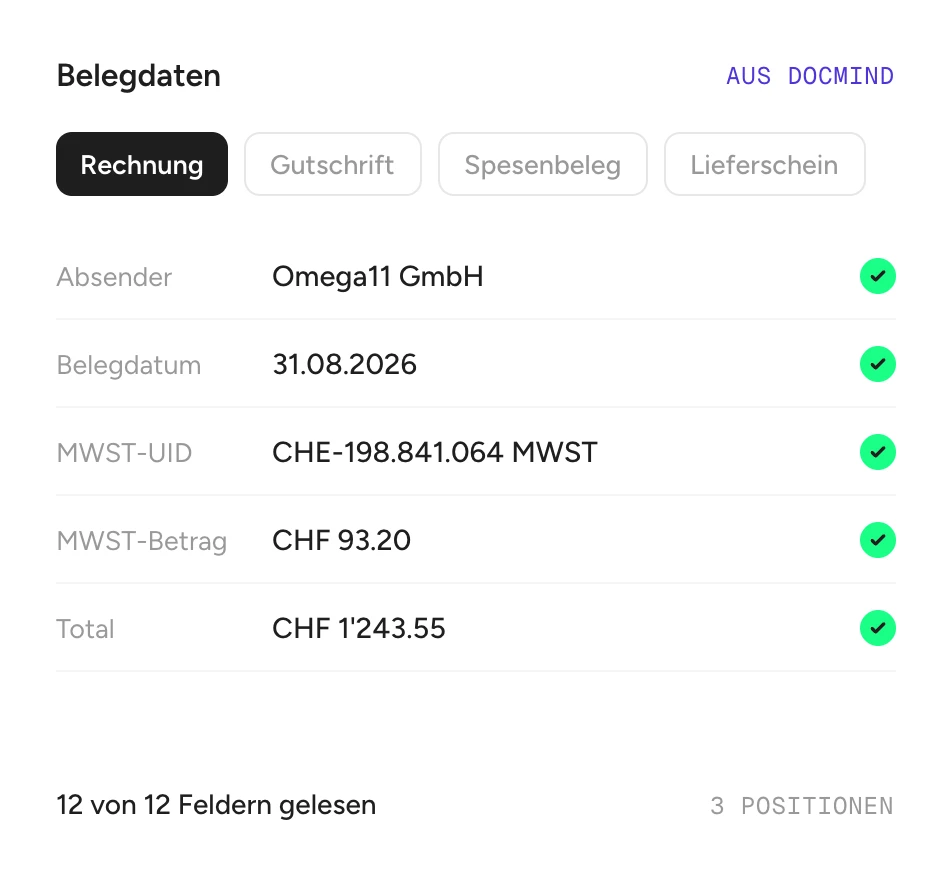
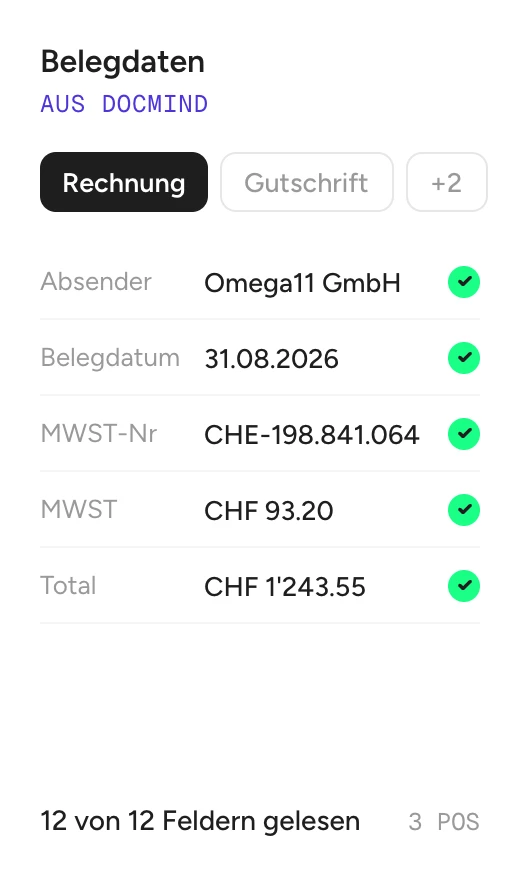
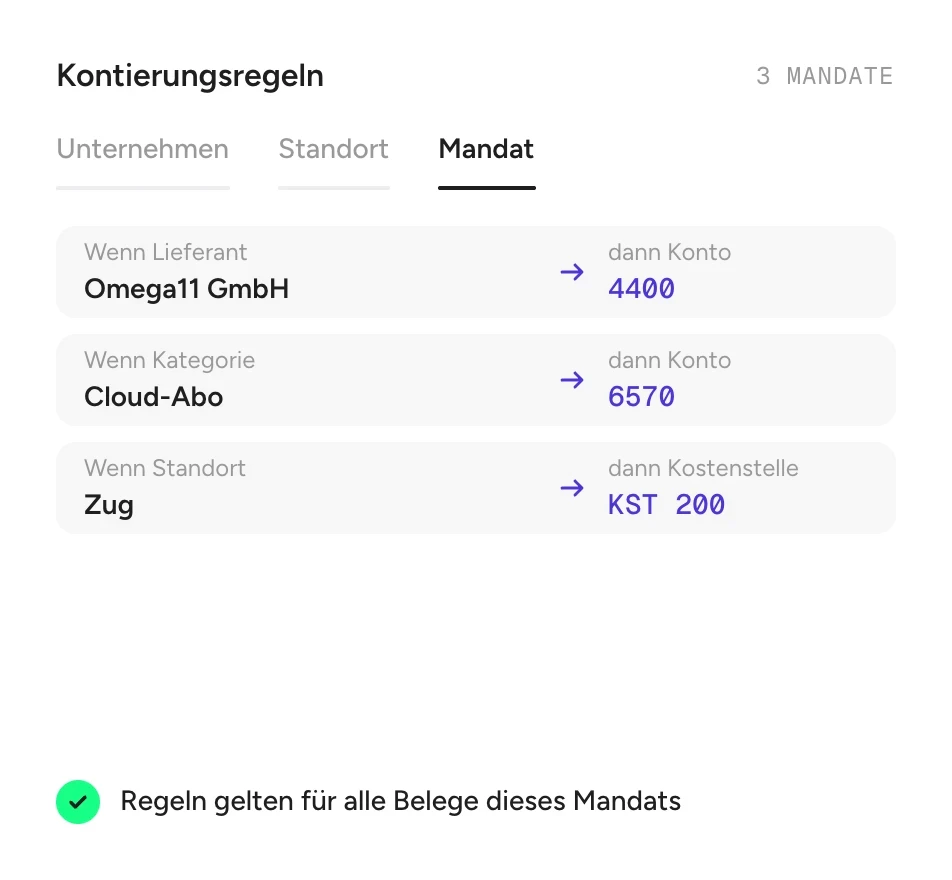
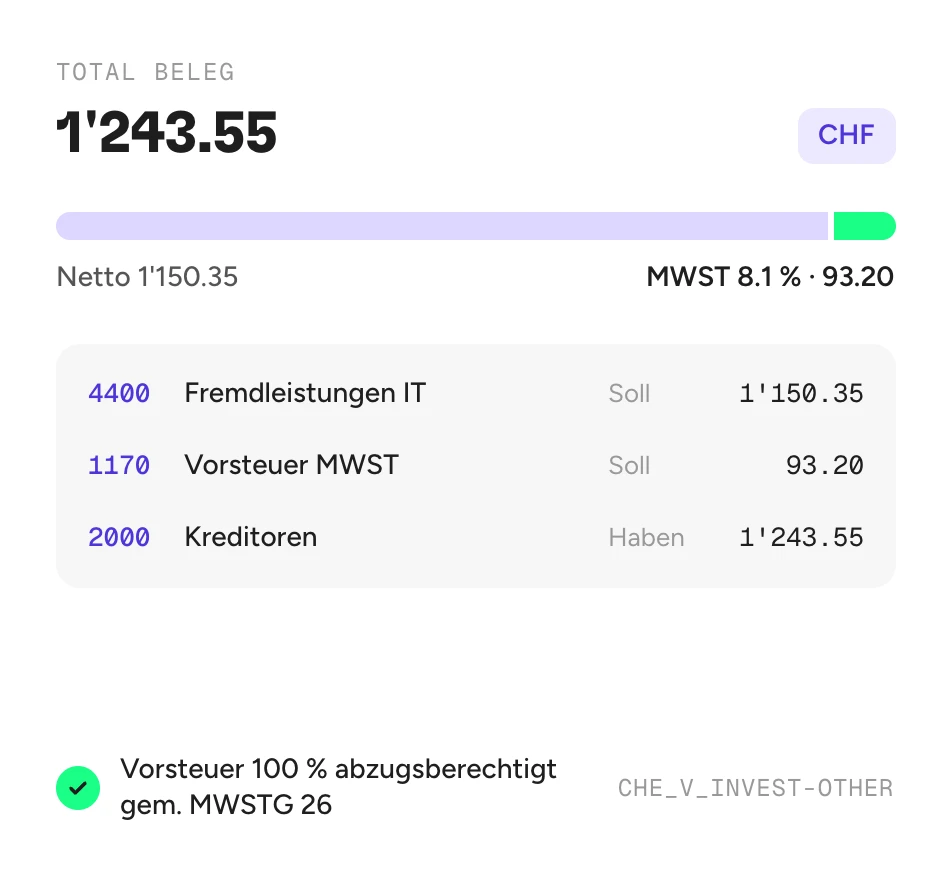
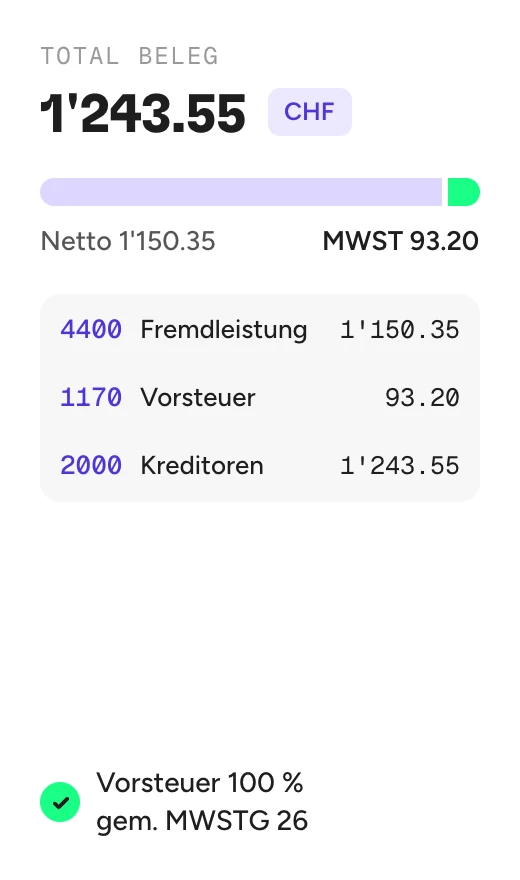
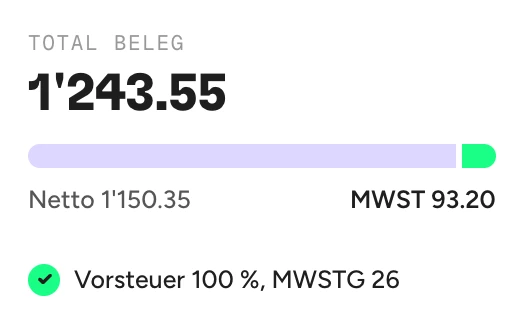
Docbooks automates the entire process from recognized source document to the finalized, traceable booking. Your posting rules form the foundation – Docbooks applies them consistently and posts directly.








Does Docbooks fit into your accounting process?
Show us your booking rules and receipts. In 30 minutes, you will see how Docbooks makes your Accounting faster, more reliable, and seamlessly automated.
Questions before the demo? Here are the answers.
What is Docbooks?
Using document data from Docmind, Docbooks automatically generates journal entries in compliance with Swiss accounting standards and transfers them directly to your accounting software. By default, Docbooks posts accounts payable and accounts receivable.
Which documents can Docmind and Docbooks process?
These include accounts payable documents, invoices, bank statements, bank receipts, contracts, insurance policies, salary certificates, tax returns, and delivery notes. Up to 200 pages per document.
How does processing work when multiple documents are contained in a single PDF?
With the splitting function enabled, our system automatically detects different documents and separates them reliably. This ensures that each document is processed individually.
Does Docbooks support Swiss VAT and QR-bills?
Yes. Swiss VAT, QR-bills, and CO/Swiss GAAP-compliant booking are at the core of Docbooks.
Does Docbooks automatically post everything?
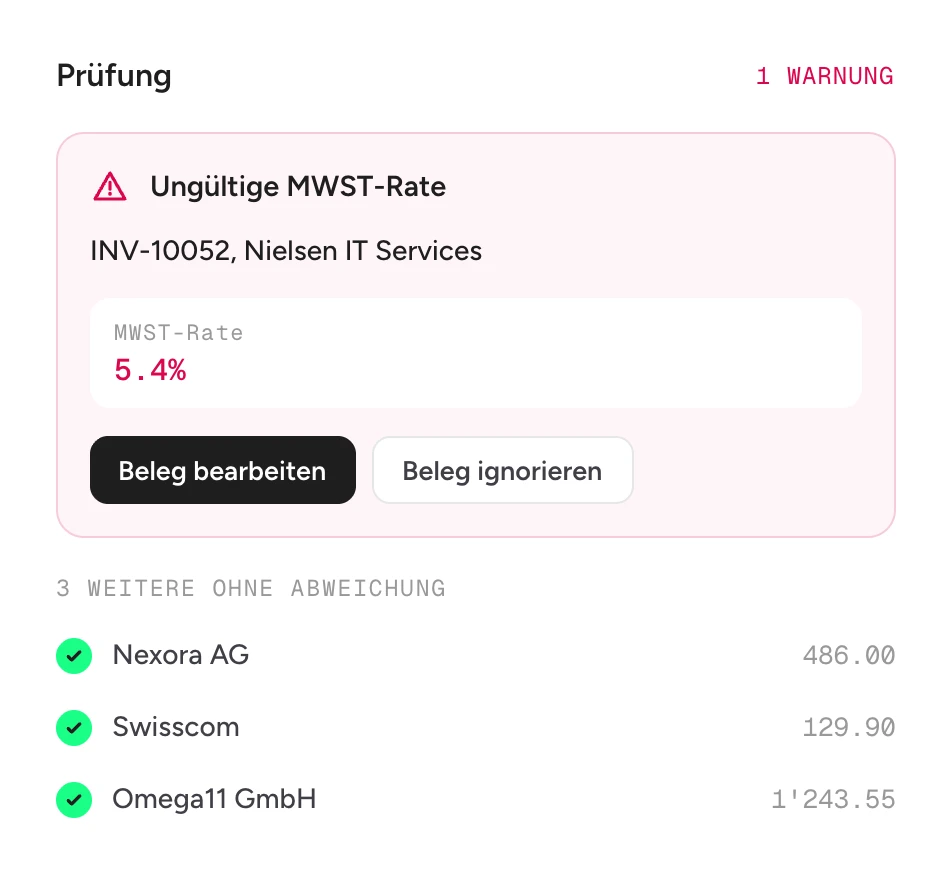
Straightforward cases are booked automatically. Uncertain cases are flagged for review. This keeps you in control.
Do I need Docmind for Docbooks?
No, you do not need a separate Docmind license. Docbooks uses Docmind technology in the background to read your receipts, providing you with completed accounting records.
Who is Docbooks suitable for?
For fiduciary and accounting firms, accounting software providers, and companies with in-house accounting in Switzerland, each with an accounting system via API.
Which standards does Docbooks use for bookkeeping?
According to CO (Code of Obligations) and Swiss GAAP FER, including your individual chart of accounts.
How customized can booking rules be?
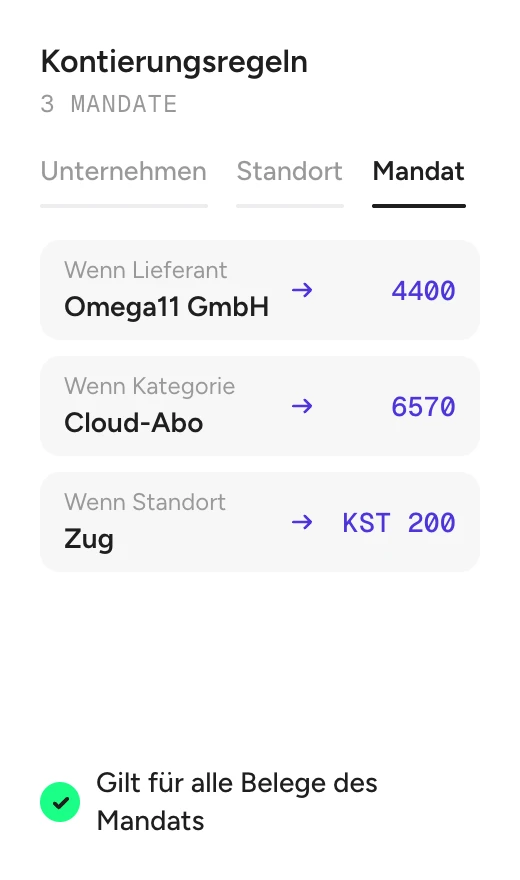
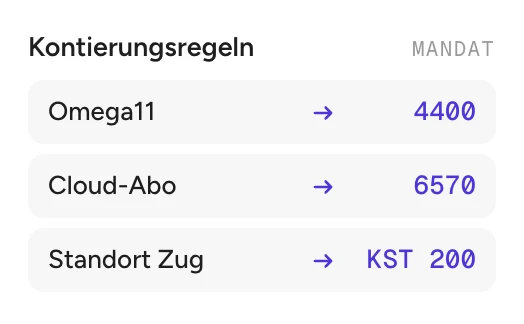
As customized as your company or your mandates. But you don't need them for Docbooks to work: the AI understands receipts in context and posts them automatically. Rules are your fine-tuning. You define them per client wherever you deliberately want to set your own specifications. From simple mapping "Supplier X → Account Y" to multi-level logic with VAT and cost centers. Standards run on their own, specifics are determined by you.
Which accounting software integrations are available?
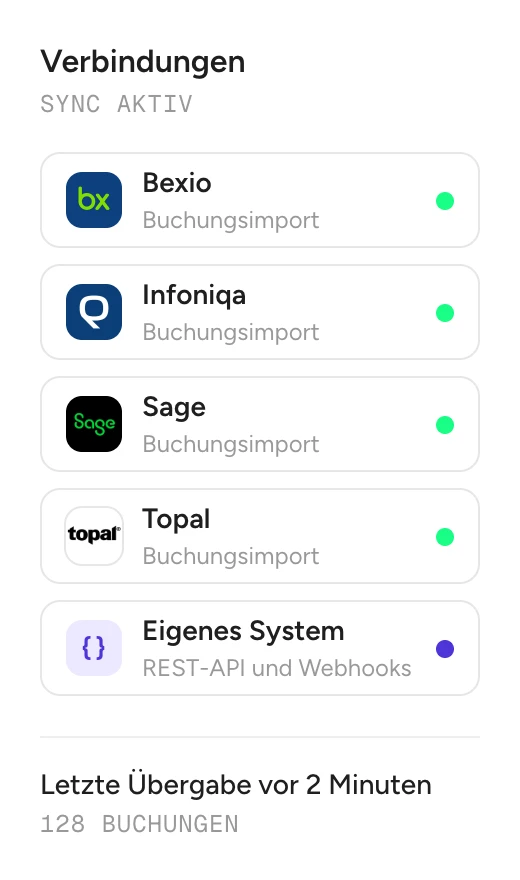
Docbooks is connected to your accounting software via API – either directly by your team or through an integration partner.
How accurate are the bookings?
Docbooks understands receipts instead of just processing rules. The AI recognizes context, supplier, VAT, and account assignment. It books clear cases fully automatically, even new ones. You only need rules where you deliberately want to set your own specifications. If the system is ever unsure, it presents the case to you for review. Nothing is quietly booked incorrectly. The AI does the work, you stay in control.
Discover more Docpier products
From splitting and understanding to automated booking: Find the next building block for your document workflow.