Documents turned into clear data.

Docmind automatically extracts your documents, making data understandable and usable. Seamlessly integrated into your systems.
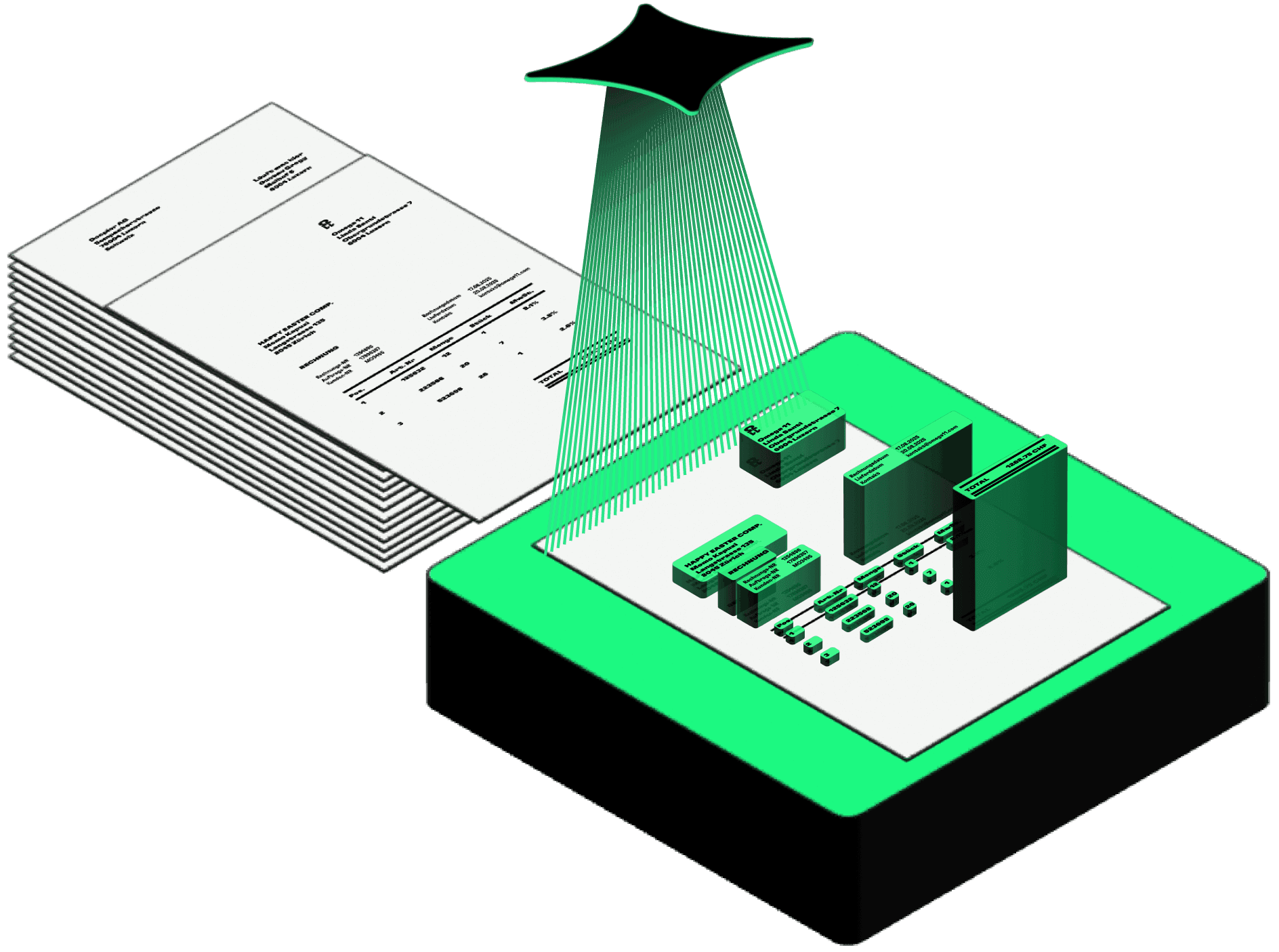
Zero effort for manual data entry

Zero effort for manual data entry

Reduced error rates thanks to automated data capture

Reduced error rates thanks to automated data capture

Greater transparency with structured real-time data

Greater transparency with structured real-time data

Fast ROI through lower process costs

Fast ROI through lower process costs

Greater transparency with structured real-time data

Fast ROI through lower process costs

Manual data entry is a thing of the past. Docmind reads documents in seconds, verifies them automatically, and delivers clean data directly into your systems.

From document to data record – step by step

Step 1

Intelligent Recognition

Splitting multi-page documents
Removal of separator and cover pages
Automatic Classification of Document Types
OCR for PDFs and images
Recognition of handwriting, stamps and signatures
Multilingual Document Processing

Step 1

Intelligent Recognition

Splitting multi-page documents

Removal of separator and cover pages

Automatic Classification of Document Types

OCR for PDFs and images

Recognition of handwriting, stamps and signatures

Multilingual Document Processing

JSON

docpier.json

01

02

03

04

05

06

07

08

09

10

11

12

13

14

15

16

"data": [

{

"title": "Invoice Omega11",

"documentId": "a5fdbd67cf4d7",

"documentType": "INVOICE",

"documentDate": "2022-05-10",

"language": "DE",

"notes": null,

"sender": {

"Name":

LF

Line 5:36

UTF-8

2 spaces

Home

Step 2

Precise Extraction

Data capture down to line-item level
Custom field-level extensions
Flexible Document Type Extension
Custom prompts for tailored extraction

JSON

docpier.json

01

02

03

04

05

06

07

08

09

10

11

12

13

14

15

16

"data": [

{

"title": "Invoice Omega11",

"documentId": "a5fdbd67cf4d7",

"documentType": "INVOICE",

"documentDate": "2022-05-10",

"language": "DE",

"notes": null,

"sender": {

"Name":

LF

Line 5:36

UTF-8

2 spaces

Home

Step 2

Precise Extraction

Data capture down to line-item level

Custom field-level extensions

Flexible Document Type Extension

Custom prompts for tailored extraction

JSON

docpier.json

01

02

03

07


08

09

10

11

12

13

14

15

16

"data": [

{


"title": "Invoice "Type": "INVOICE",

"documentDate":
"2022-05-10",

"language": "DE",

"notes": null,

"sender": {

"Name":

LF

Line 5:36

UTF-8

2 spaces

Home

Step 2

Precise Extraction

Data capture down to line-item level

Custom field-level extensions

Flexible Document Type Extension

Custom prompts for tailored extraction

Step 3

Validation and Quality Assurance

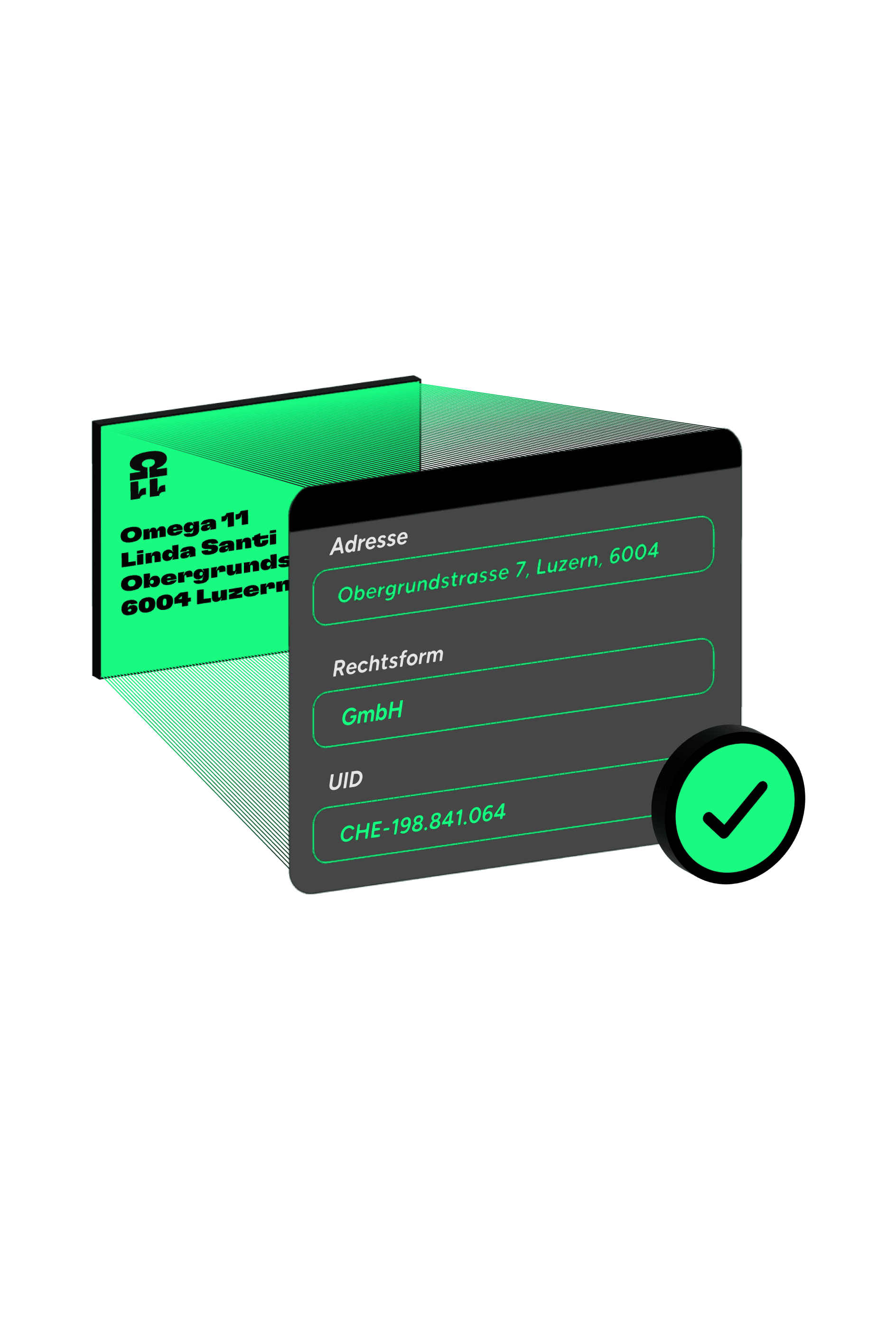
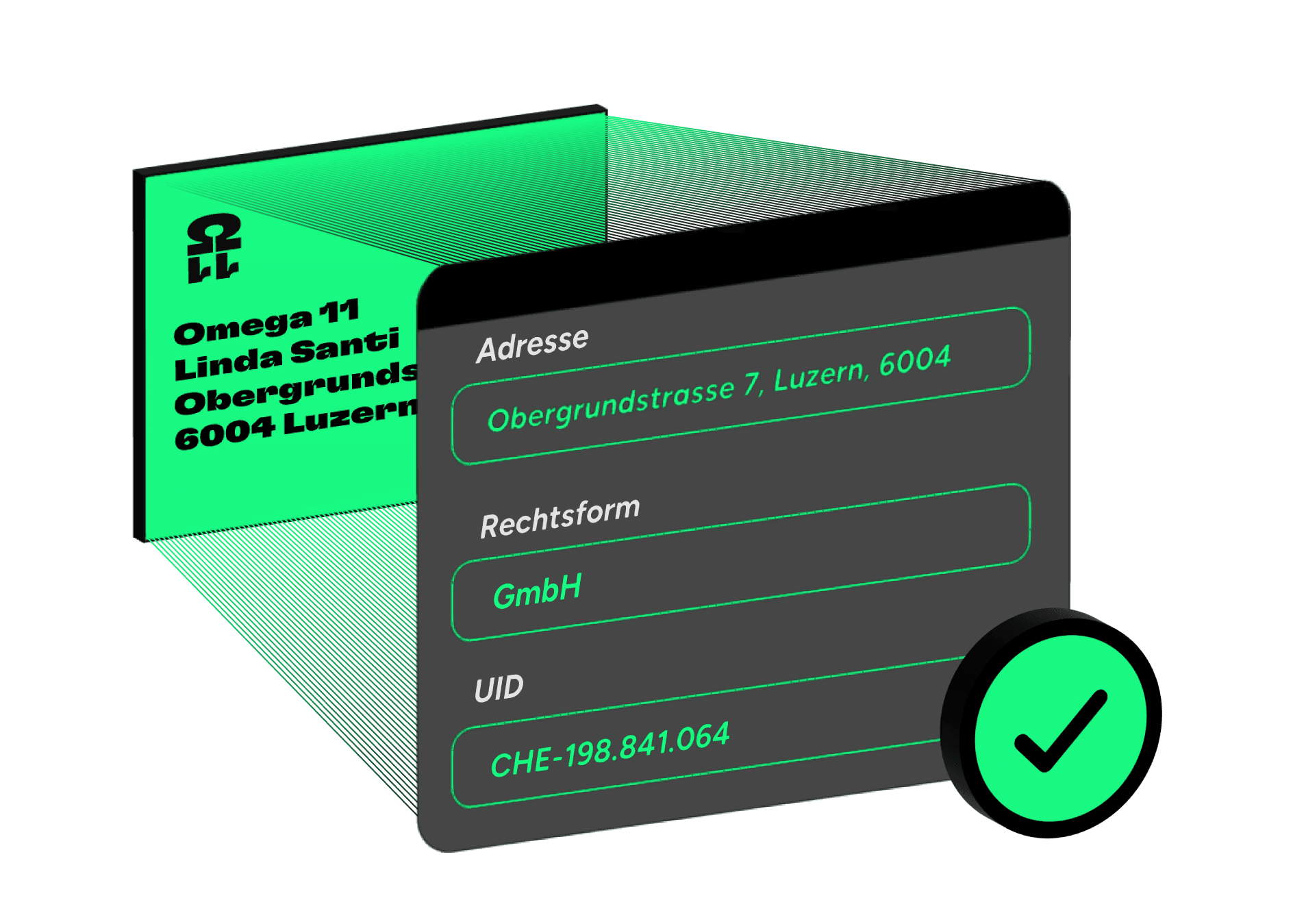
Verification of valid sender addresses
Reconciliation of official company data
Standard validations for clean data sets
Plausibility checks to prevent incorrect entries
Custom interpreter for tailored validation rules

Step 3

Validation and Quality Assurance

Verification of valid sender addresses

Reconciliation of official company data

Standard validations for clean data sets

Plausibility checks to prevent incorrect entries

Custom interpreter for tailored validation rules

Step 3

Validation and Quality Assurance

Verification of valid sender addresses

Reconciliation of official company data

Standard validations for clean data sets

Plausibility checks to prevent incorrect entries

Custom interpreter for tailored validation rules

Step 4

Enrichment and Data Protection

Logos for clear sender identification
Automated enrichment of missing content
Anonymization of Sensitive Content
Targeted redaction of selected data fields

Step 4

Enrichment and Data Protection

Logos for clear sender identification

Automated enrichment of missing content

Anonymization of Sensitive Content

Targeted redaction of selected data fields

Step 4

Enrichment and Data Protection

Logos for clear sender identification

Automated enrichment of missing content

Anonymization of Sensitive Content

Targeted redaction of selected data fields

Step 5

Integration and Workflows

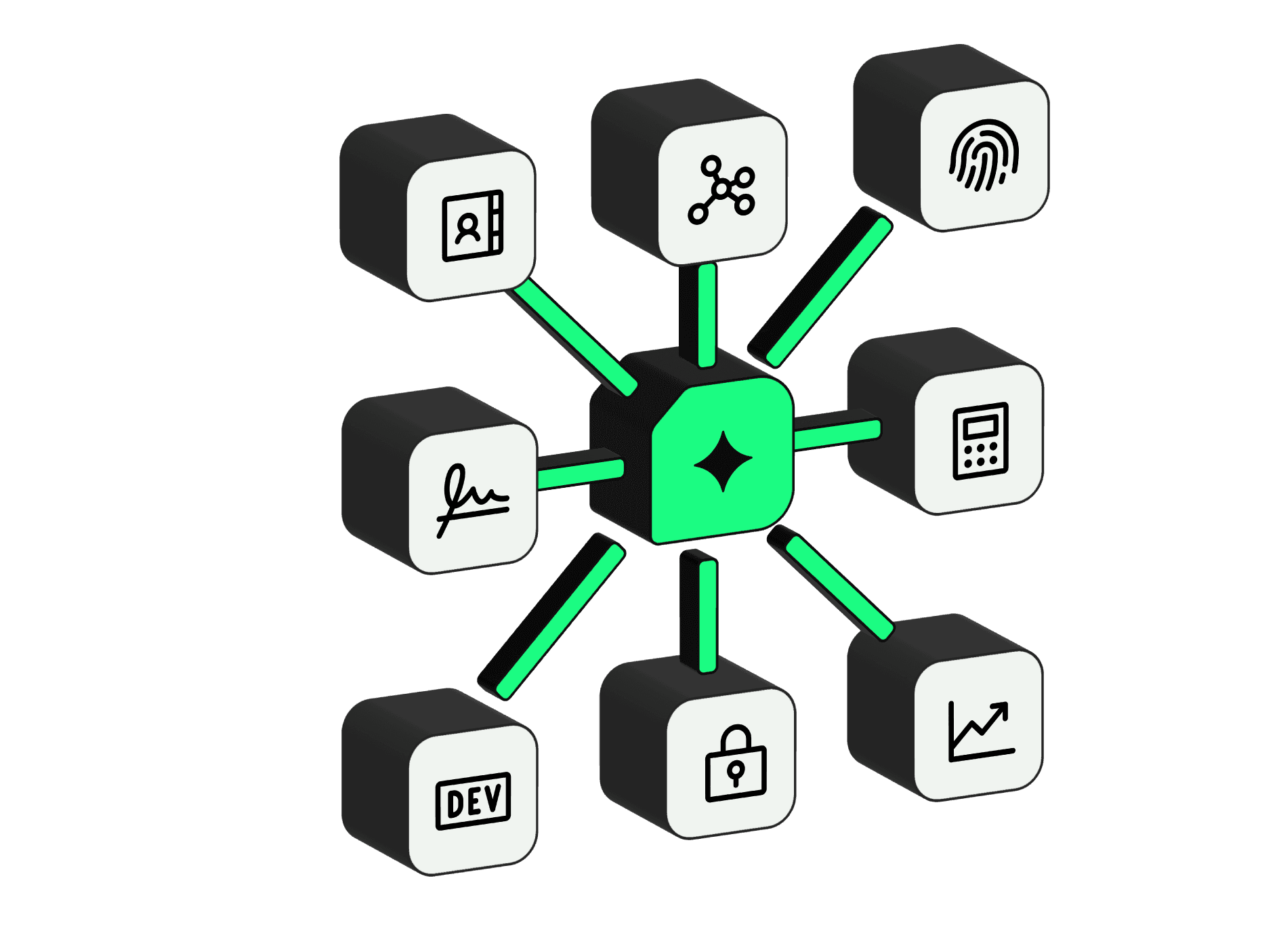
Pre-built integrations for your tools
Standardized interfaces
Flexible workflows for any process landscape

Step 5

Integration and Workflows

Pre-built integrations for your tools

Standardized interfaces

Flexible workflows for any process landscape

Step 5

Integration and Workflows

Pre-built integrations for your tools

Standardized interfaces

Flexible workflows for any process landscape

Already convinced?
Try it now.

Upload your own documents and experience how Docmind processes them in seconds.

Already convinced?
Try it now.

Upload your own documents and experience how Docmind processes them in seconds.

Is your industry complex? Docpier understands it.

Fiduciary Services

Insurers and brokers process a high volume of documents every day. Our IDP recognizes insurance-specific document types and automatically extracts fields like insurance type, premium, or policyholder. This accelerates processes and frees up employees.

Abstract image as background

Software

Software companies work with a vast amount of documents – from invoices and receipts to contracts and wage statements. Our IDP understands these files and extracts the relevant information. This ensures everything goes directly into your system – saving your team time to focus on product development instead of paperwork.

Abstract image as background

Insurance

Insurance companies and brokers manage complex documents on a daily basis – from policies to premium invoices. Our IDP recognizes insurance-specific document types and automatically extracts fields such as insurance type, premium, or policyholder. This accelerates workflows, and clients benefit from faster processes.

Abstract image as background

Still have questions?
We have the answers.

How long does the implementation take?

Which document types can you process?

How does processing work when multiple documents are contained in a single PDF?